Independent musicians
Turn a new single’s tone, lyrics, or cover art into a consistent visual concept for a release campaign.
You get a stronger starting direction for a visualizer, teaser, or looping social clip.
neural frames for musicMusic to motion
Neural frames ai music helps you translate the feeling of a track into a visual direction, from the first mood reference to a sequence that feels intentional.
Creative applications
Neural frames can support different kinds of music-led video work without forcing every track into the same visual formula.
Turn a new single’s tone, lyrics, or cover art into a consistent visual concept for a release campaign.
You get a stronger starting direction for a visualizer, teaser, or looping social clip.
neural frames for musicUse neural frames as a source of visual ideas when a song needs atmosphere, transitions, or connective imagery.
The edit can move beyond static artwork while keeping the track’s emotional center in view.
music video examplesBuild an opening sequence, background loop, or visual interlude around the pacing and mood of a soundtrack.
Your channel can develop a recognizable audiovisual language instead of relying on unrelated stock footage.
neural frames for YouTubeTest several visual directions for a campaign track before committing to a detailed production plan.
Neural frames makes early concept comparison easier when the music is already setting the brief.
neural frames ai cartoon generatorWorking method
A focused prompt and a small number of deliberate revisions usually produce a clearer result than trying to describe an entire video at once.
Name the mood, genre cues, tempo feel, dominant colors, and the kind of movement the music suggests. Neural frames responds better to a concrete visual brief than to a title alone.
Choose a subject, setting, lighting approach, and camera behavior that can repeat across scenes. This gives the neural frames workflow a stable language for the track.
Compare the strongest direction against the song’s sections, then adjust prompts toward recurring motifs, pacing, and transitions rather than adding unrelated detail.
Related directions
These adjacent Neuralframes guides help you move from a music-led idea to the format and audience you actually want to serve.
Focuses on using music as the creative brief for visual concepts, loops, and release assets.
Collects practical visual directions that show how a generated concept can become a video idea.
Explains how to adapt visual work for channel intros, background sequences, and music-led uploads.
Explores a more illustrated route when your track needs characters, stylization, or animated storytelling.
Visual comparison
The difference is not simply adding motion. A useful music visual gives the track a repeatable visual identity that can carry across moments.
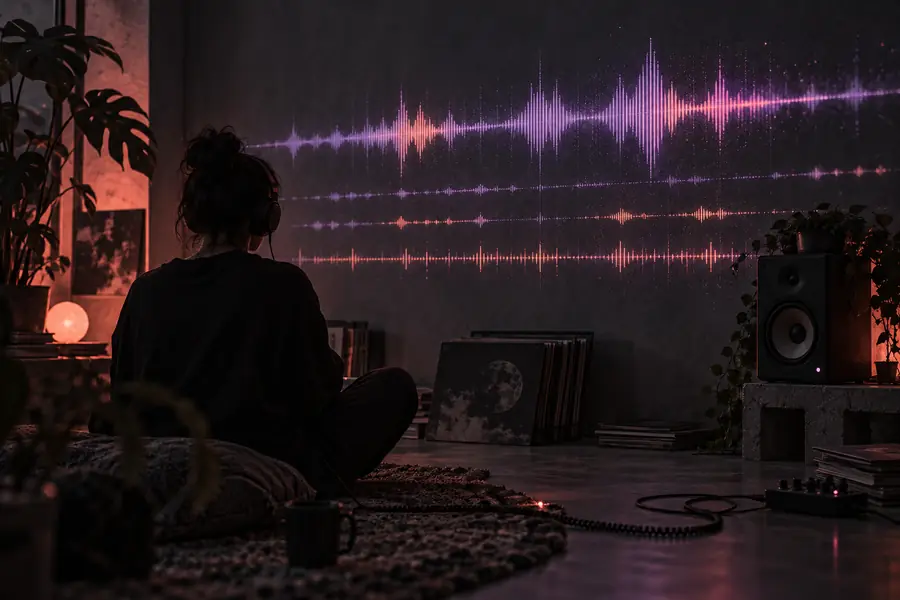
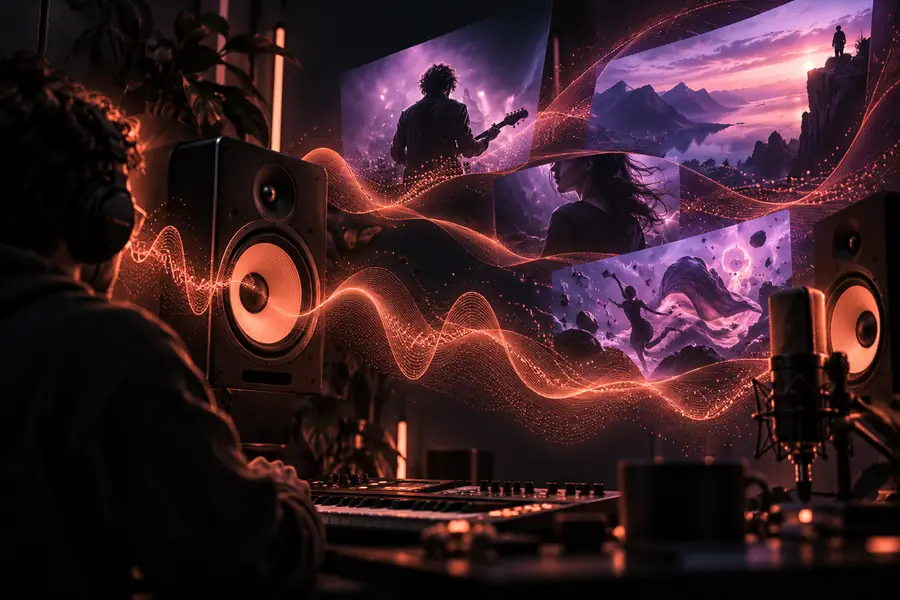
A strong result connects mood, subject, palette, and movement instead of treating each frame as a separate idea.
Honest boundaries
Neural frames is useful for visual direction, but it does not replace every part of music-video production or editorial judgment.
The workflow does not automatically understand every beat, lyric, structural change, or emotional turn in an uploaded song.
WorkaroundDescribe the sections and important moments in the prompt, then shape the visual sequence with your own edit.
Subjects, environments, and details can drift between generated scenes, especially when the brief changes too much from one prompt to the next.
WorkaroundKeep a compact style bible with recurring subjects, colors, lenses, and movement cues.
Generated visuals still need timing, selection, transitions, titles, and audio mastering to become a finished music video.
WorkaroundTreat neural frames as a visual production layer and complete the final assembly in your preferred editor.
If the music has no defined mood or audience yet, more visual detail can create noise rather than direction.
WorkaroundWrite a one-sentence creative brief before expanding the scene prompts.
Next visual
Bring the song’s mood, palette, and movement into one focused prompt, then use the first result to decide what the visual language should become.
Questions answered
It is used to develop visual concepts around a piece of music, such as visualizers, teaser scenes, looping backgrounds, and music-video directions. The strongest results come from treating the track’s mood and structure as the creative brief.
It can help generate the visual direction and scene ideas, but it should not be treated as a complete replacement for editing and production. You still need to select, sequence, time, and refine the visuals around the finished audio.
Describe the emotional tone, visual subject, setting, palette, lighting, and camera movement in concrete terms. For continuity, repeat the key visual system across prompts instead of changing the entire concept for every scene.
Not automatically in a way that guarantees exact lyric or beat synchronization. You can describe important song sections and use your editor to align the selected visuals with the track’s timing.
It can be useful for YouTube intros, visualizers, interludes, and full visual concepts that are later edited to the song. Plan the sequence and final delivery around your channel format rather than relying on one generated scene.