Channel visual system

neural frames for youtube, shaped for your channel

neural frames for youtube work best when they support a real publishing workflow: define the role of each visual, generate a focused direction, then finish the edit in the tools you already trust.

Bring the result into your edit
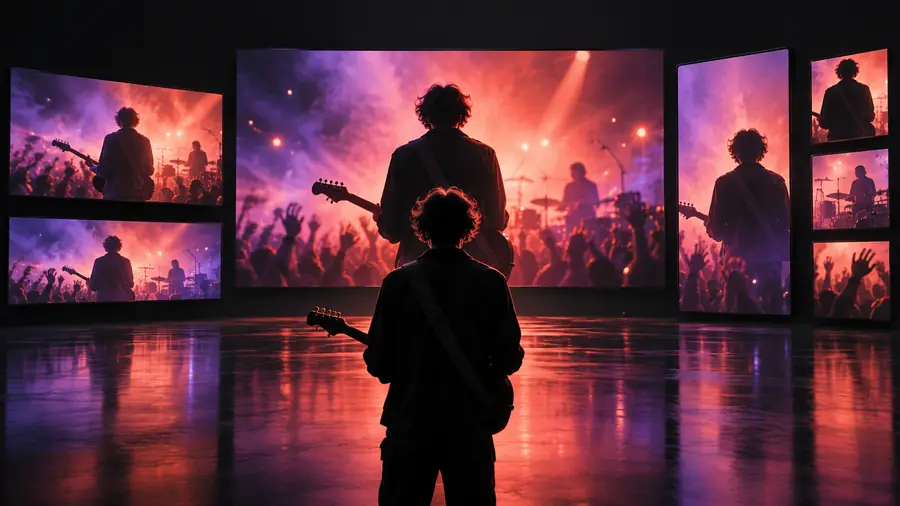
Cinematic visual scene for a music video channel

the audience's existing pipeline

A YouTube visual rarely starts and ends in one generator. These channel roles already have a rhythm; the useful question is where a new visual layer removes friction without taking over the process.

Music channel creator

You have a finished track, cover art, and a rough idea for a visualizer, but no footage that matches the song’s mood.

Use a focused visual direction for the central sequence, then assemble the music, titles, waveform, and final export in your normal editor.

neural frames for music

Video essay producer

Your narration is complete and the timeline needs atmosphere between screenshots, interviews, and quoted clips.

Create short supporting scenes that establish place, tone, or transition without replacing the research-led structure of the episode.

neural frames for music

Shorts and trailer editor

You need a strong opening beat, a looping background, or a visual punctuation point that can be cut around spoken audio.

Generate one deliberate visual motif and reuse it as an intro, transition, or end card background rather than filling every second with unrelated motion.

neural frames for music

Independent channel team

A small team needs repeatable visuals across uploads but cannot build a full production setup for every release.

Keep a simple visual brief, create a small set of related scenes, and let the editor preserve continuity across the channel.

neural frames for music

where we slot in

Treat the visual generator as a focused production step, not the entire YouTube pipeline. The strongest results come from giving it a defined job before the edit begins.

Define the channel moment

Choose the exact role first: opening hook, lyric support, interlude, looping backdrop, visualizer bed, or closing sequence. Write down the aspect ratio, approximate duration, subject, and emotional register.

Build one coherent visual direction

Describe the recurring subject, camera behavior, palette, lighting, and movement. A narrow brief is easier to edit than a collection of disconnected ideas, especially when several scenes need to feel related.

Finish in the publishing workflow

Review the generated material beside the track or narration, select usable passages, then add captions, logos, audio, cuts, and platform-specific finishing in your established editor before publishing.

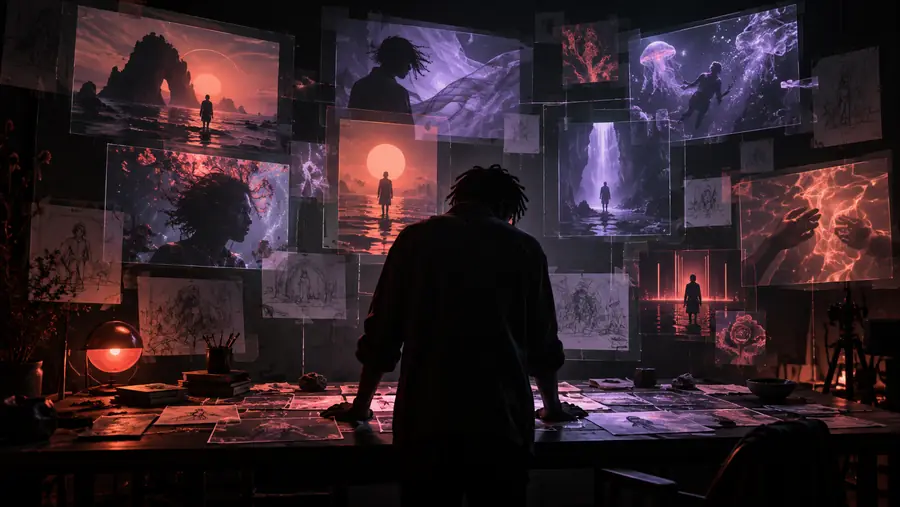
before/after

The difference is not simply more motion. It is the difference between an unstructured visual request and a scene brief that gives the editor something usable to shape.

Loose starting point

Early visual process preview with an undefined scene direction
Finished cinematic stage visual suitable for a channel sequence
Channel-ready direction

A clear visual role makes the result easier to cut, repeat, and pair with the episode’s audio.

deliverable spec

Use this quick brief to separate the channel requirement from the generated visual itself. The left column describes the publishing need; the right shows what to define before handing the idea into production.

YouTube channel need Visual brief to prepare
1

Primary role

YouTube channel need

Opening, transition, visualizer bed, interlude, or closing beat

Visual brief to prepare

State one job for the scene before writing the prompt

2

Aspect ratio

YouTube channel need

Match the planned YouTube placement and edit sequence

Visual brief to prepare

Specify the intended frame shape in the brief

3

Audio relationship

YouTube channel need

Track, narration, dialogue, or ambient bed remains the editorial anchor

Visual brief to prepare

Describe motion and pacing that can sit beside the audio

4

Visual continuity

YouTube channel need

Recurring colors, subjects, symbols, or camera language help episodes feel related

Visual brief to prepare

List the elements that must remain consistent across scenes

5

Scene duration

YouTube channel need

Use only as much generated material as the cut needs

Visual brief to prepare

Plan short usable passages rather than assuming one output is a full episode

6

Brand treatment

YouTube channel need

Titles, logos, captions, and calls to action are added during finishing

Visual brief to prepare

Keep the generated scene clear enough for overlays and typography

7

Final polish

YouTube channel need

Editing, sound mix, captions, and export stay in the publishing workflow

Visual brief to prepare

Review the visual as source material, not as the complete upload

Route boundaries

A channel workflow is more dependable when its limits are explicit. Neuralframes can support the visual layer, but it should not be treated as a substitute for editorial judgment or platform finishing.

It cannot replace the episode structure

A striking scene does not decide the order of your argument, story, track, or narration.

WorkaroundCreate the outline and edit map first, then assign each visual a specific place in the sequence.

It cannot guarantee a single perfect take

Generated material may need selection, trimming, repetition, or additional direction before it fits the timeline.

WorkaroundPlan for usable moments and continuity across a small set of related scenes instead of relying on one untouched output.

It cannot finish channel packaging

Titles, thumbnails, captions, logos, audio balance, metadata, and final export still need deliberate production choices.

WorkaroundReserve a finishing pass in the editor you already use before uploading to YouTube.

It cannot make unrelated scenes feel consistent automatically

A series can lose its identity when each prompt changes the subject, palette, lens language, or movement style.

WorkaroundKeep a reusable channel brief with the visual rules that should carry from one upload to the next.

Give the next upload a visual system

Start with one channel moment, one clear visual brief, and one place for the result in the edit. That keeps the generated material useful without forcing your whole YouTube process to change.

  • Define the scene’s editorial role first
  • Keep audio, captions, and packaging in your normal workflow
  • Build continuity with a reusable visual brief

scenario FAQ

Practical answers for creators deciding how neural frames fit into a YouTube production process.

Yes, they can support visual material for YouTube projects such as music videos, intros, transitions, interludes, and atmospheric sequences. The generated material should still be reviewed and finished in the editing workflow used for the channel.

They can be useful when the channel needs visuals that reflect a track’s mood, pacing, or identity. Start with the song’s role in the edit, then define a consistent visual direction rather than generating unrelated scenes for every section.

A generated visual is only one part of a finished upload. You still need to shape the story or track, edit the sequence, add audio and text, check the result, and prepare the final channel packaging.

Include the scene’s purpose, subject, mood, palette, lighting, camera movement, and intended placement in the episode. It also helps to state the planned frame shape and the elements that should stay consistent across related scenes.

Create a short channel brief covering recurring colors, symbols, pacing, and camera language. Use that brief for each new scene, then let the editor control timing, overlays, captions, sound, and the final relationship between shots.

Start creating
Start creating