Define the visual intention
Write the subject, setting, emotional direction, palette, and movement in plain language. A useful prompt describes what the viewer should feel, not just what should appear.
Neural frames video examples are useful when a visual idea is clear in your head but difficult to storyboard, style, and review. This guide shows how creators can move from a concept to a usable sequence without losing the mood, rhythm, or narrative intent.
Use these related routes to compare formats, audiences, and starting points before choosing a workflow.
See how an online workflow can help you move from a visual prompt to a focused concept.
Explore a music-led approach where visual movement follows the character and structure of a track.
Plan repeatable visual content for videos that need a clear opening, middle, and ending.
Build visual direction around songs, performances, lyrics, or atmosphere rather than dialogue.
Examples are valuable for direction, but they should not be mistaken for a finished production plan or a guarantee of a specific result.
A visual description may suggest mood, setting, and motion, but it does not automatically define every camera angle, transition, or continuity requirement.
WorkaroundTurn the strongest result into a short shot list with one purpose for each scene.
An example may resemble a genre, artist, location, or recognizable visual language without proving that the underlying source material is available for commercial use.
WorkaroundUse original references and verify permissions for music, logos, people, and supplied assets.
Characters, objects, lighting, and composition can drift between scenes when a concept expands beyond a single visual moment.
WorkaroundKeep prompts specific, reuse essential descriptors, and review scenes together before editing.
Timing, sound design, captions, accessibility, pacing, and platform framing still require human review before publication.
WorkaroundUse the example as a visual direction board, then assemble and check the finished sequence in an editor.
These three workflows cover common ways to use examples: start with a story, start with sound, or start with a finished visual reference.
Write the subject, setting, emotional direction, palette, and movement in plain language. A useful prompt describes what the viewer should feel, not just what should appear.
Create a small set of distinct directions rather than endlessly changing one sentence. Compare framing, contrast, texture, and movement against the original creative brief.
Choose the strongest direction, resolve continuity issues, and place the result into a sequence with music, narration, captions, or supporting footage as needed.
A before-and-after comparison makes the creative shift easier to judge: the first frame communicates an idea, while the developed direction gives it atmosphere and structure.
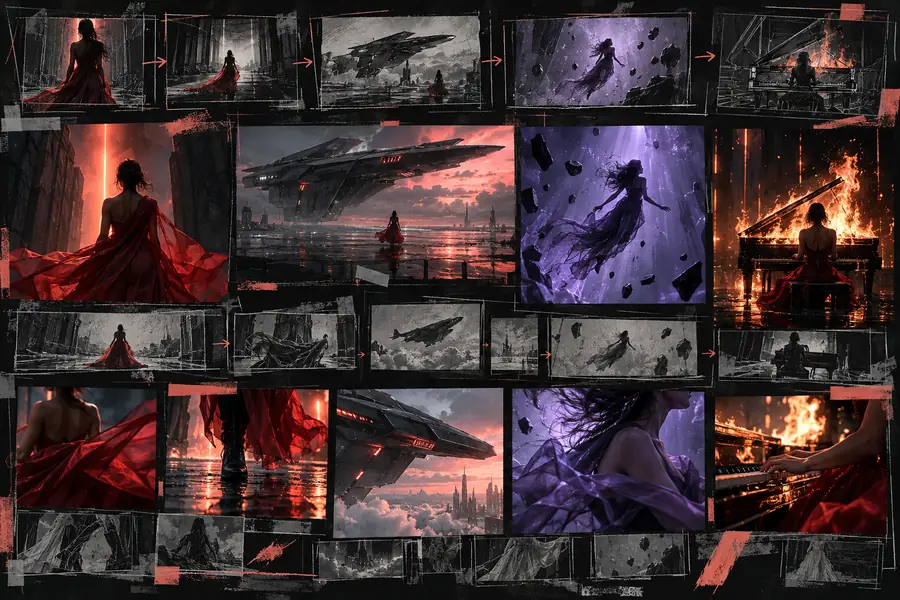
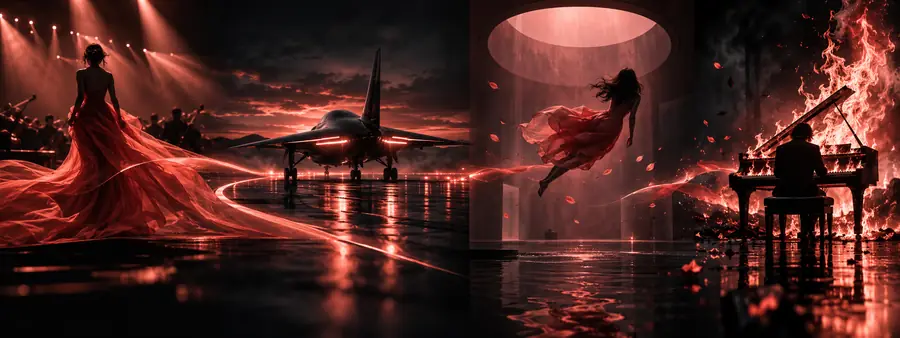
Different creators face different review questions. These examples show where the same visual workflow needs a different final check.
You have a finished track but need a visual world that supports its mood without competing with the song.
Build a small set of visual directions, then select scenes that follow the track's emotional changes.
neural frames for musicYou need an opening visual or explanatory sequence that makes an abstract topic easier to follow.
Use a clear visual metaphor, then check pacing, captions, and factual accuracy before publishing.
neural frames for youtubeYou want several connected shots for a quick narrative, but have limited time for conventional storyboarding.
Describe the subject and progression scene by scene, then review continuity before cutting the final version.
What are neural frames?You are testing atmosphere, composition, or color direction before committing to a larger production.
Use contrasting concepts as a visual reference board and document which choices belong in the final brief.
neural frames onlineUse this comparison to decide whether an example is ready for review, or still belongs in the exploration stage.
Exploration example
Test mood, composition, and visual direction
Publish-ready sequence
Communicate a finished message to a defined audience
Exploration example
May vary between individual scenes
Publish-ready sequence
Reviewed across shots for consistent subjects and setting
Exploration example
May be silent or paired temporarily
Publish-ready sequence
Music, voice, timing, and levels are deliberately checked
Exploration example
References and inputs still need verification
Publish-ready sequence
Music, footage, likenesses, logos, and assets are cleared
Exploration example
Captions and readable text may not be complete
Publish-ready sequence
Captions, contrast, pacing, and essential information are reviewed
Exploration example
Used to discover a promising direction
Publish-ready sequence
Edited to serve a specific story, platform, and audience
Use a focused prompt to explore the scene, compare creative options, and hand the strongest direction into the next stage of your production process.
They are visual references showing how a concept can become a scene, sequence, or broader video direction. They help creators evaluate mood, composition, movement, and storytelling before final editing.
Use them when planning music visuals, YouTube segments, short-form stories, tutorials, or early creative pitches. They are most useful as direction-setting material rather than as a substitute for editorial review.
Check whether the example communicates the intended subject, emotion, pacing, and visual hierarchy. Also review continuity, rights, captions, audio, and platform suitability before treating it as production-ready.
Pair the visual with a short brief explaining the audience, message, mood, and intended use. Mark what is approved as direction and what still needs confirmation, such as assets, timing, or accessibility.